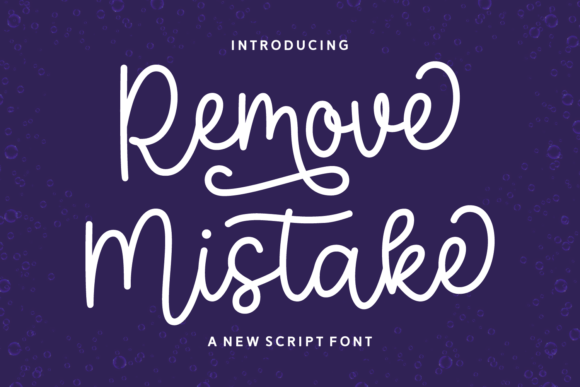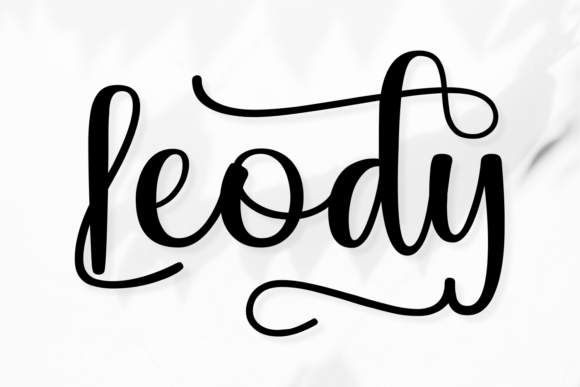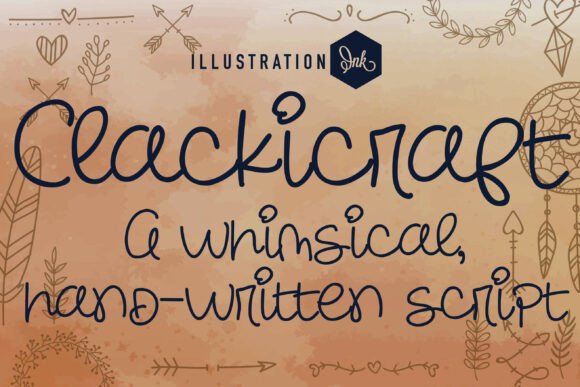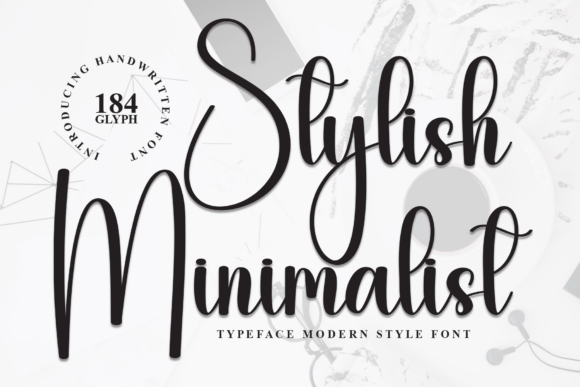
Smart Homework: A Modern Script Font for Elegant Web Design
I was staring at a blank hero section on a client’s new coaching website, feeling that familiar creative block. The layout was clean, the photography was high-quality, but the typography felt flat. It lacked personality. We needed something that whispered sophistication rather than shouting for attention. That was when I pulled up Smart Homework, a stylish handwritten script font, and dropped it into the headline slot. The change was immediate. The page didn’t just look finished; it felt alive.
If you are a web designer, UI creator, or brand strategist looking to inject fluidity and elegance into your digital layouts, this typeface deserves a closer look. It is not just another decorative font; it is a tool for building trust and visual hierarchy in an increasingly crowded online space. Here is how I integrated Smart Homework into a real-world project and what I learned about using script fonts in modern web design.
The First Impression: Fluidity Meets Digital Clarity
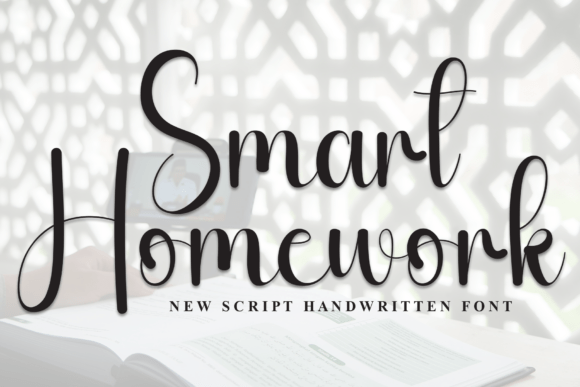
When I first previewed Smart Homework, I was struck by its natural flow. Unlike many script fonts that feel stiff or overly ornate, this one radiates a sense of movement. The strokes are smooth, creating a sophisticated feel that mimics genuine handwriting without sacrificing legibility. In web design, where users scan content rapidly, readability is king. Smart Homework strikes a rare balance between artistic flair and functional clarity.
I tested it on a dark background overlaying a soft-focus image banner. Usually, thin script fonts get lost against busy backgrounds, but the consistent weight and elegant curves of Smart Homework held their own. It provided a perfect contrast to the geometric sans-serif fonts we used for body copy. This contrast is crucial for establishing visual hierarchy. By using Smart Homework for the main value proposition, we guided the user’s eye immediately to the most important message, while the supporting text remained easy to read and digest.
Strategic Placement in Web Layouts
One of the biggest mistakes designers make with script fonts is overusing them. Smart Homework is best suited for specific roles within a digital interface. It excels as a display font for headlines, but it should generally be avoided for long-form body text. Here is how I applied it across different sections of the site:
- Hero Sections: As mentioned, the primary headline is the ideal home for Smart Homework. Its elegance sets the tone for the entire brand experience. Whether for a boutique online store or a personal portfolio, a large-scale application of this font creates an instant impression of quality.
- Call-to-Action Areas: While buttons typically use bold sans-serifs for maximum clickability, Smart Homework can be effective for secondary actions or promotional banners. For example, on a course sales page, using the script font for phrases like "Join the Waitlist" adds a touch of exclusivity and warmth that standard buttons lack.
- Blog Headers and Graphics: For editorial content, such as a lifestyle blog or a creative agency case study, Smart Homework works beautifully in article headers. It breaks the monotony of uniform typography and adds a human touch to digital pages.
- Digital Brand Kits: Beyond the website, this font translates seamlessly to social media graphics, email newsletters, and digital ads. Consistency across these channels reinforces brand identity. If your logo uses a similar handwritten style, Smart Homework can serve as a complementary typeface for marketing materials.
Readability and Mobile Responsiveness
A significant portion of web traffic comes from mobile devices. When testing Smart Homework on smaller screens, I had to adjust the sizing carefully. Script fonts often contain intricate details that can blur or become illegible when scaled down too far. To maintain professionalism, I ensured that the font size remained generous enough to preserve the character shapes.
In responsive layouts, it is essential to check how the font behaves during resizing. Does the line height need adjustment? Do the letters overlap awkwardly? With Smart Homework, the spacing was generally forgiving, but I still recommended setting appropriate line-height values to prevent the flowing tails of the letters from colliding with the lines above and below. This attention to detail ensures that the user experience remains polished, regardless of the device.
Another consideration is contrast. On light backgrounds, the font performs exceptionally well. However, when placing it over images or colored blocks, ensuring sufficient contrast is non-negotiable for accessibility. I used a subtle drop shadow or a semi-transparent background layer behind the text to enhance legibility without detracting from the font’s aesthetic appeal.
Font Pairing for a Cohesive Identity
No typeface stands alone in a successful web design. Smart Homework shines when paired with a simple, neutral font. For our project, we chose a clean sans-serif font for paragraphs and navigation elements. This combination creates a dynamic tension between the organic, human feel of the script and the structured reliability of the sans-serif.
This pairing strategy is versatile. It works for creative portfolios, where you want to showcase artistic sensibility, as well as for more corporate environments that need to soften their image. For instance, a financial coach might use Smart Homework for their tagline to appear approachable, while relying on a sturdy serif or sans-serif font for detailed service descriptions to convey authority and trust.
When selecting a pair, look for fonts with similar x-heights or contrasting weights. The goal is harmony. You do not want the two fonts to compete for attention. Smart Homework’s fluidity pairs naturally with geometric or neo-grotesque sans-serifs, creating a modern typography system that feels both contemporary and timeless.
Technical Considerations for Implementation
Before integrating Smart Homework into a live project, there are practical steps to ensure smooth deployment. First, verify the file formats. For web use, WOFF2 is the preferred format due to its compression efficiency and broad browser support. Ensure that the font files load asynchronously to avoid blocking the rendering of your page content, which impacts Core Web Vitals and overall site speed.
Additionally, check the included styles. Does the family offer italics, bold variants, or alternate characters? Having access to multiple weights allows for greater flexibility in design hierarchies. For example, using a lighter weight for subtitles can create a delicate, airy feel, while a bolder weight can emphasize key terms within a headline.
Licensing is another critical factor. Since this is a commercial font, ensure that your license covers web usage, including the number of page views if applicable. Using fonts without proper licensing can lead to legal issues and disrupt your project timeline. Always review the end-user license agreement (EULA) to understand the scope of permitted use for websites, client projects, and digital templates.
Enhancing User Engagement Through Typography
Typography is often overlooked in favor of imagery and color, but it plays a pivotal role in user engagement. A well-chosen font like Smart Homework can evoke emotions and set the mood before the user even reads the content. It signals that the brand cares about details, aesthetics, and the overall experience.
In my experience, incorporating elegant script fonts into landing pages and product showcases can increase the perceived value of a brand. It suggests craftsmanship and attention to detail. For small business owners and entrepreneurs, this subtle upgrade in visual presentation can make a significant difference in how potential customers perceive their offerings. It transforms a basic website into a branded destination.
Ultimately, the success of using Smart Homework lies in its restraint. Use it to highlight, not to dominate. Let it guide the user’s journey through your content with grace and clarity. By treating typography as a strategic element of your web design process, you create digital experiences that are not only beautiful but also functional and engaging. Whether you are redesigning a blog, launching a new e-commerce store, or updating a portfolio, Smart Homework offers a refined solution for adding a touch of handwritten elegance to the digital world.